
The loyalty programme
Tieroo cards come from one Odoo loyalty programme per company. Points, rewards and members stay Odoo's own; Tieroo shows them on the phone.
- Open the programme in Point of Sale → Products → Discount & Loyalty (or Sales). Its type must be Loyalty Cards.
- Tick Issue Tieroo card. This is the programme whose points and next reward the card shows. Only administrators see this tick.
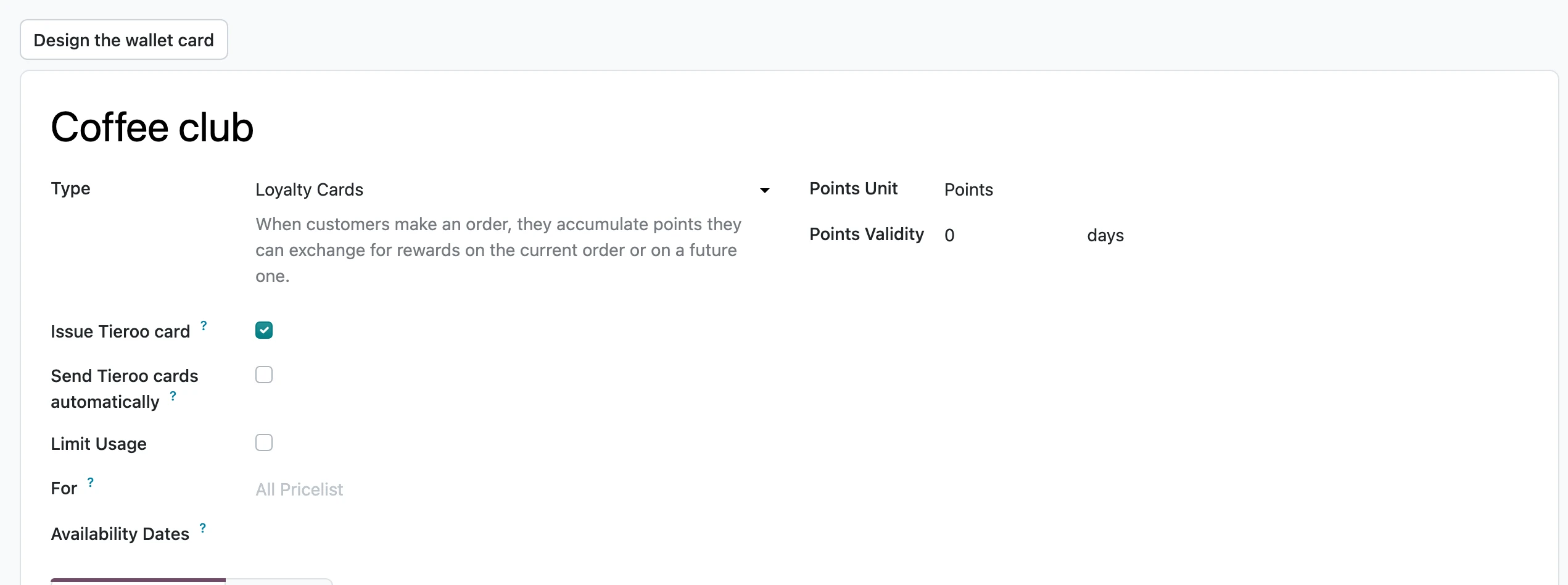
- To send the card to new members by email, also tick Send Tieroo cards automatically. See How customers get the card.
What stays plain Odoo
Promotions, coupons, gift cards and eWallet work as before, next to the card, at the checkout. A customer is one Odoo contact with one card per company.
Names on the card come from Odoo and follow its translations: the programme name, the name of the points (Points, Stamps), the rewards and the levels. Change them in Odoo and the cards follow.
Dates on the card
On Odoo 20 a programme can have points that expire after a number of days (Points Validity), and a loyalty card can have an end date. The card then shows the nearest expiry on the front, every date on the back, and reminds the customer before points or the card expire (see Notifications).