
At the checkout
The QR code on the card is the customer's Odoo barcode. Scan it at the Odoo POS like any other customer card.
- The cashier scans the card on the customer's phone, and the POS selects the customer. The order shows their points: what they had, what this sale adds, and the new total.
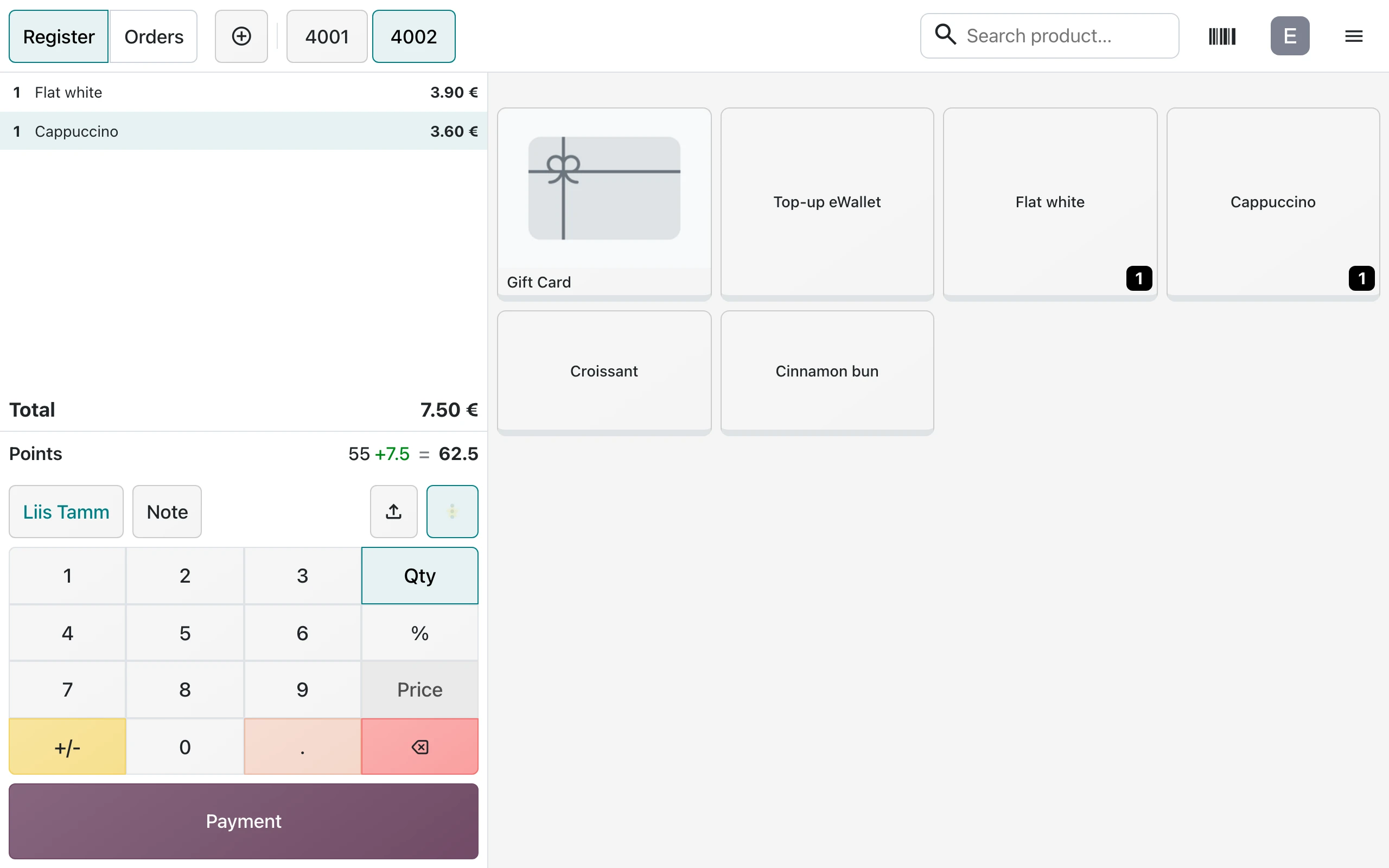
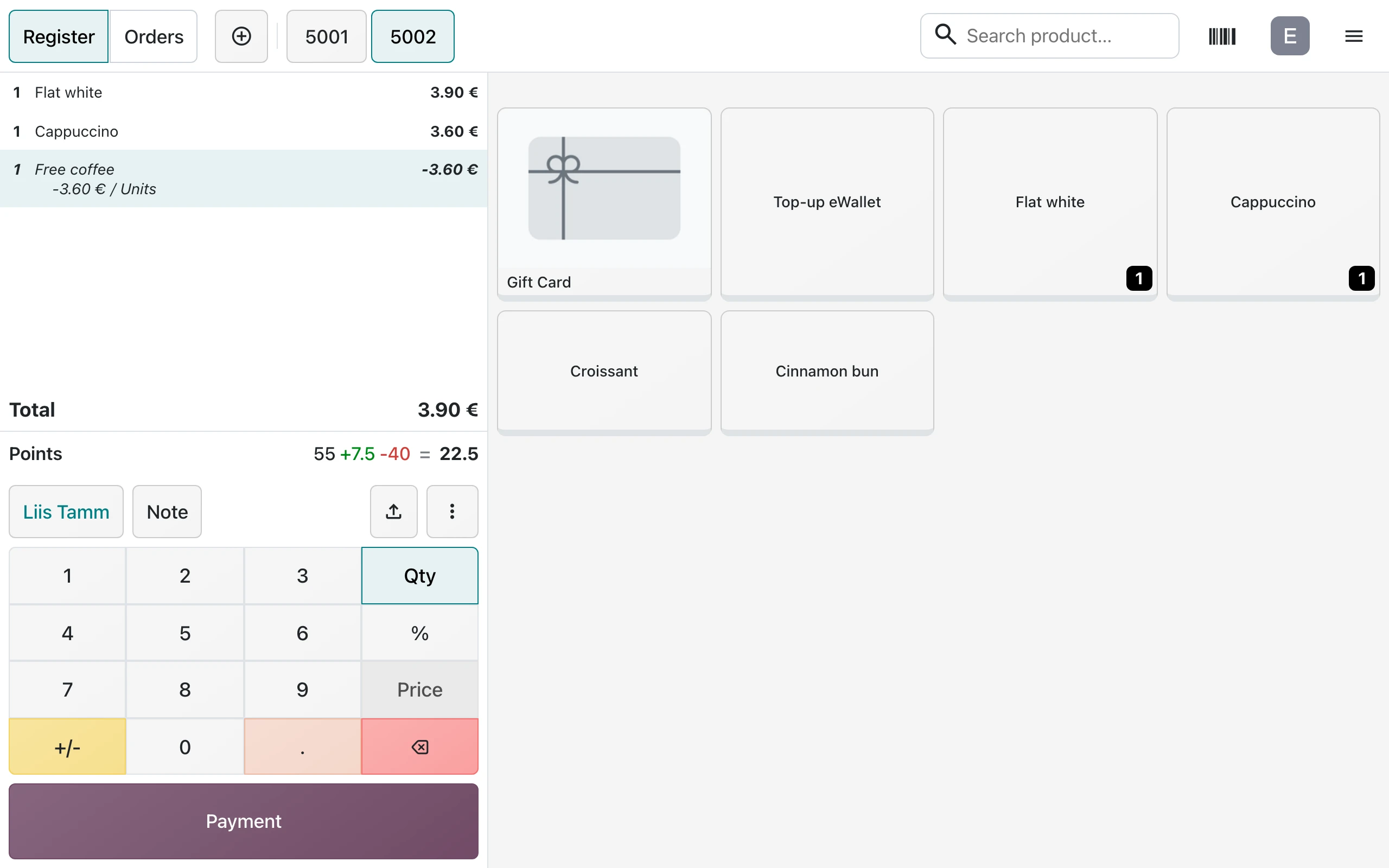
- When the customer has enough points for a reward, the menu button of the order lights up. The cashier opens it, chooses Reward and the reward. The order shows the discount and the points it spends. With Customer Levels, a level with a pricelist already has it on the prices.
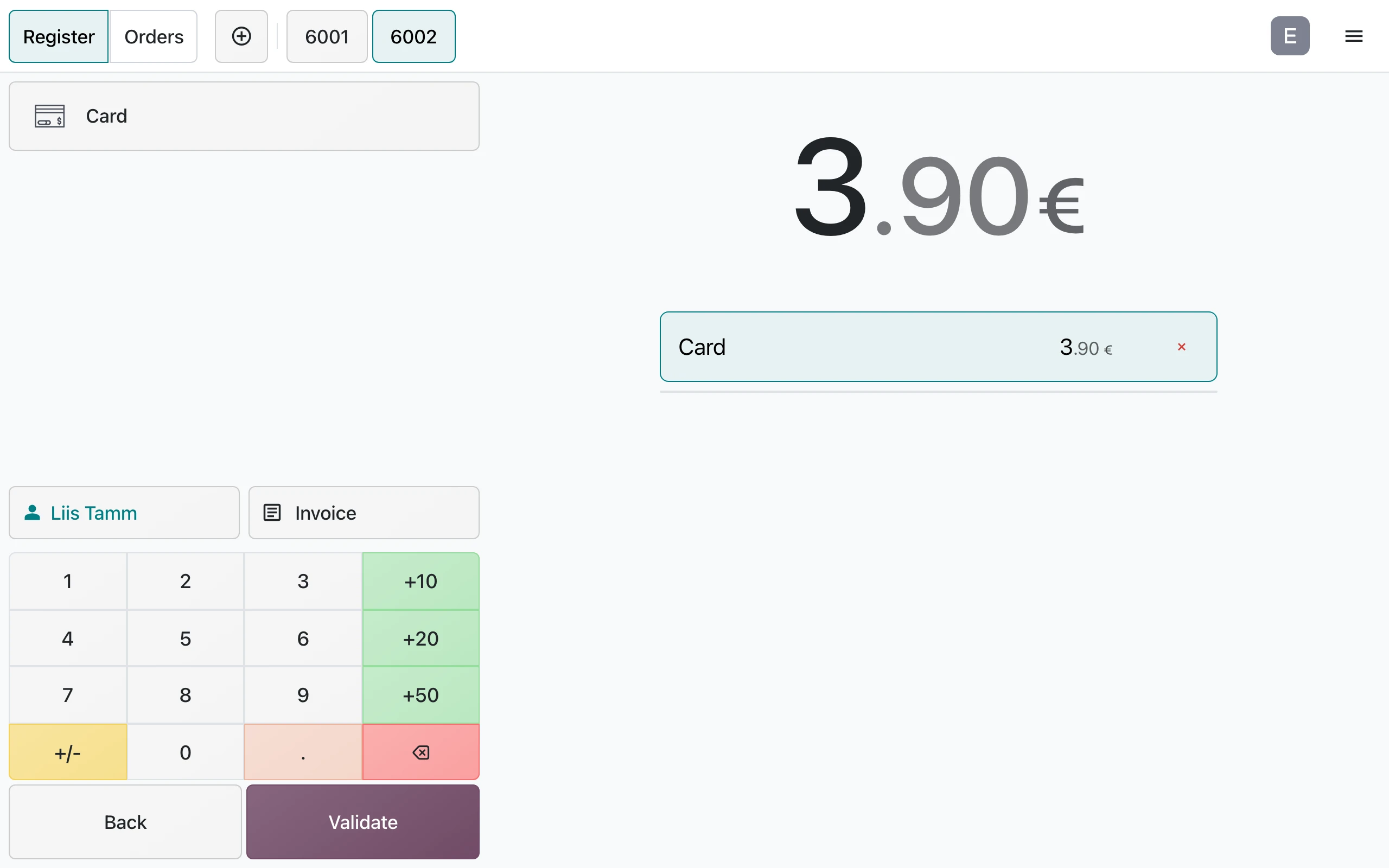
- The customer pays as usual.
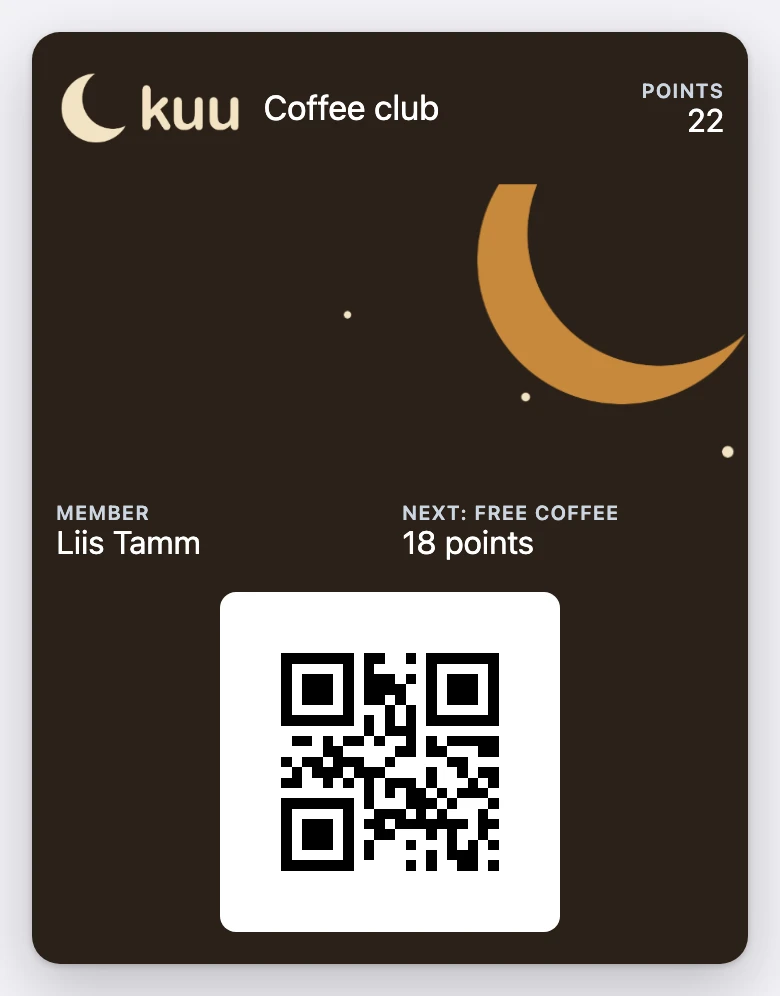
- After the payment, Odoo gives and takes the points. A moment later the card on the phone shows the new balance: Liis has 22 points, and 18 more to the next free coffee.
When the card updates
Every change in Odoo reaches the phone within seconds: a sale, points changed by hand, a reward, a new level. Odoo sends the changes in the background, so the checkout never waits. If Tieroo cannot be reached, Odoo tries again every five minutes.
Whether the customer also gets an alert is in Notifications.