
Getting and installing it
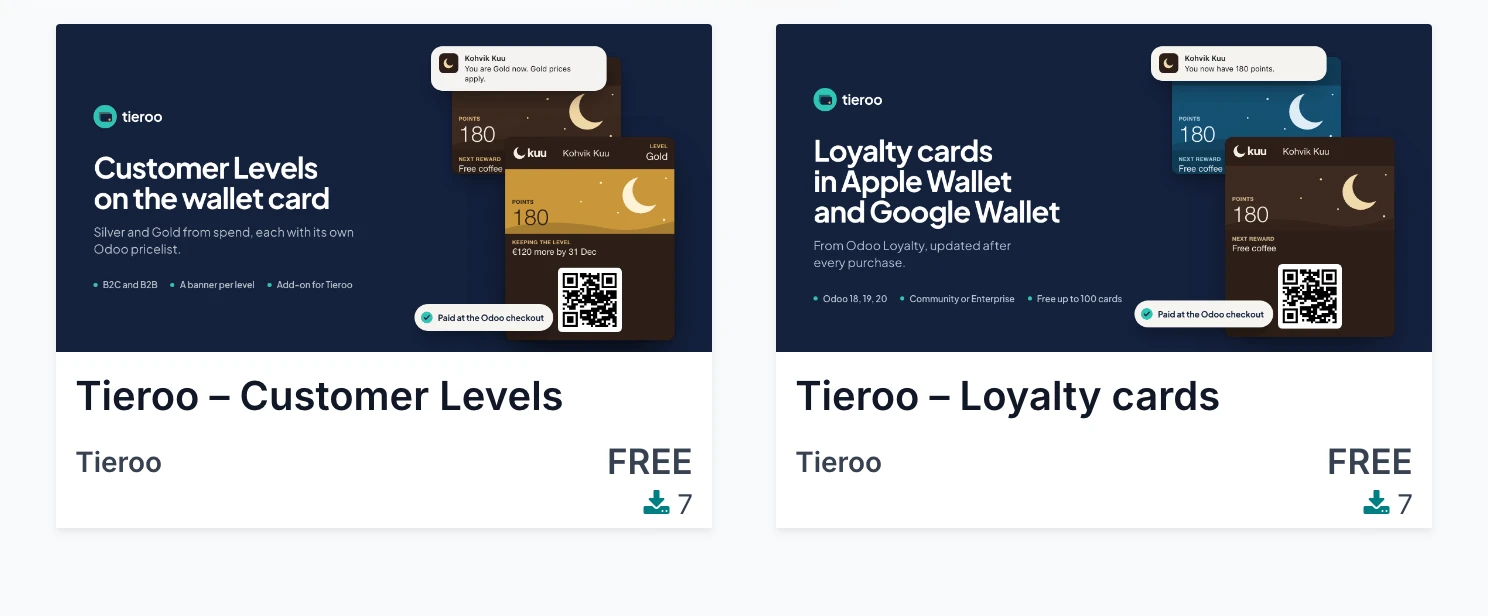
Tieroo comes as Odoo modules: tieroo for the cards, and tieroo_levels for Customer Levels. Both are free; the client pays for the plan.
From the Odoo Apps store
Search for Tieroo in the Odoo Apps store and pick the client's Odoo version.
On Odoo.sh
- Add the public repository github.com/avalahEE/tieroo-odoo to the client's project as a submodule, on the branch that matches the Odoo version: 18.0, 19.0 or 20.0. The branch holds only the ready modules.
- Push. When the build is ready, open Apps in the client's database, update the apps list and install Tieroo.

On your own server
Check out the same repository branch into a folder on the Odoo addons path, restart Odoo, update the apps list and install Tieroo.
Updates
A new version arrives on the same branch. Pull it, then upgrade the module in Apps (or restart Odoo with -u tieroo). Stop the running server before an upgrade from the command line.