
Test and staging databases
A copy of a live database carries the client's Tieroo key. Neutralized copies (Odoo.sh staging and development branches, odoo-bin neutralize) lose it by themselves. Clear it by hand in any other copy, so that test work never reaches the client's customers.
What Tieroo does with a copy
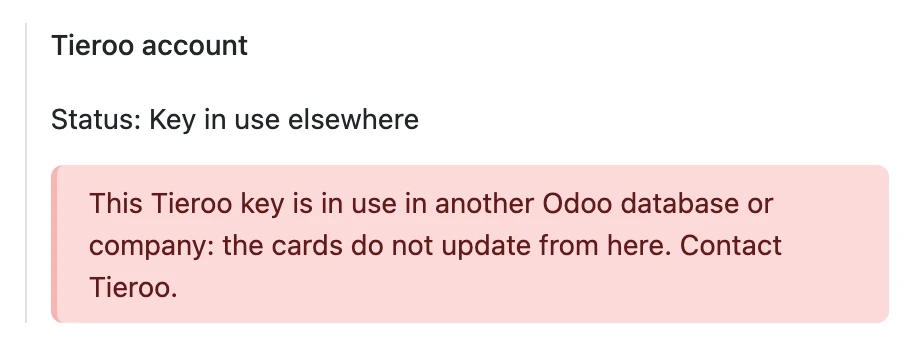
The key is bound to the database's ID and the company that first used it. A copy with a new database ID cannot sync: Settings → Tieroo says the key is in use elsewhere, and its cards do not update from there.
A copy restored with the same database ID is treated as the live one. Its changes would reach the client's real cards.
Clearing the key in a copy
- In the copy, open Settings → Tieroo.
- Switch on developer mode. Under Advanced, press Clear the sync key and confirm. This Odoo stops syncing the cards.

Clearing the key in a copy does not touch the live database: the live Odoo keeps its own key.
A copy cannot open a second free account for the same company: Tieroo allows one free account per VAT number.