
Adding the card
The card goes into Apple Wallet on iPhone or Google Wallet on Android, next to your other cards. You need no app.
- Join with the QR code on the shop's poster and confirm your email address, or ask the shop to send you the card.
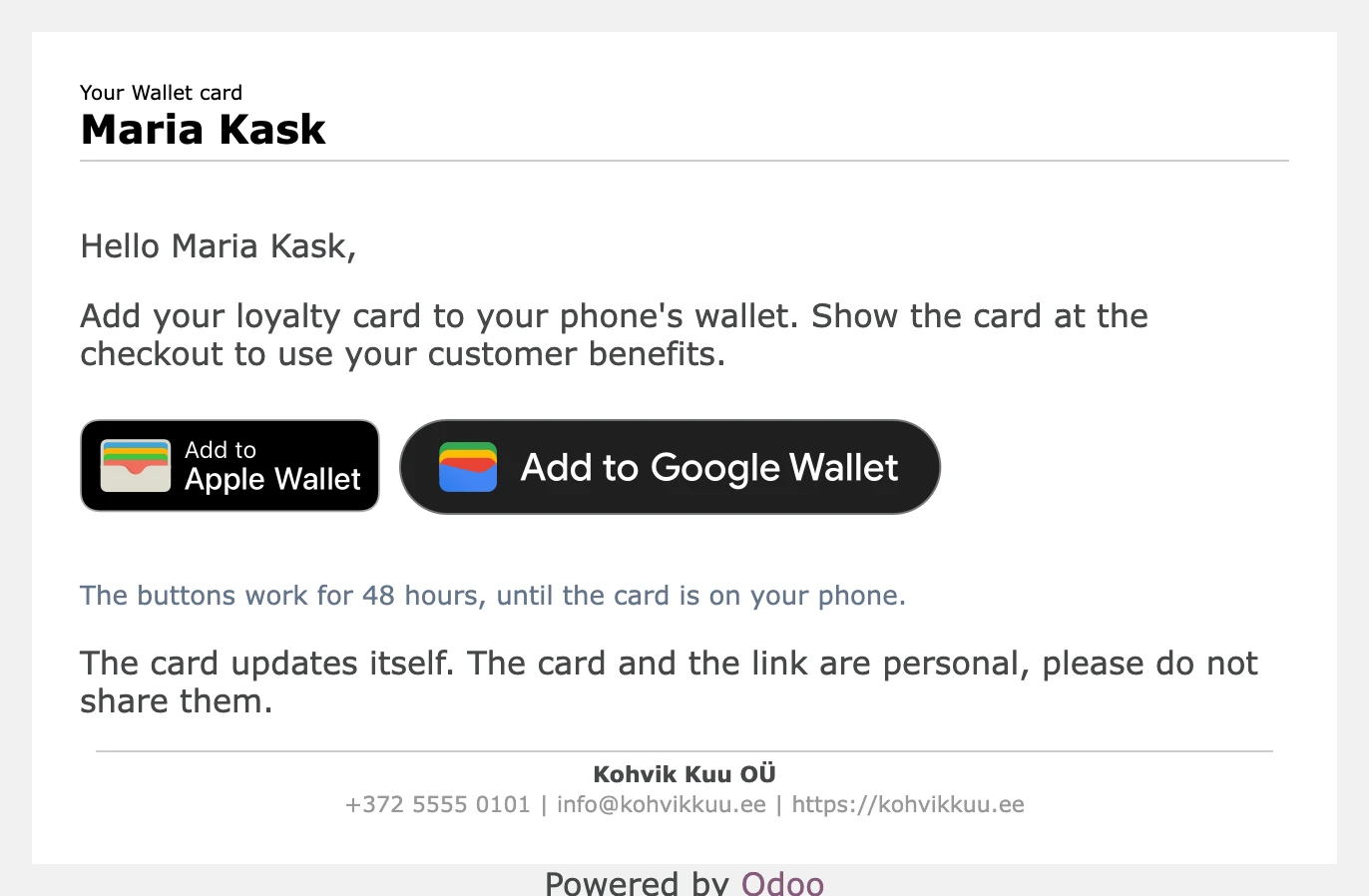
- Open the email from the shop and press Add to Apple Wallet or Add to Google Wallet.
- The card is in your wallet. Show its QR code at the checkout.
The buttons work for 48 hours and stop once the card is on your phone, so nobody else can use a forwarded email. If yours has expired, ask the shop to send the card again.
Your points, rewards and level update on the card by themselves after every purchase.